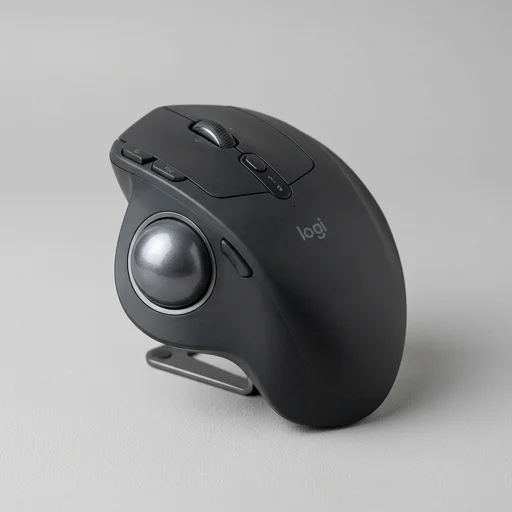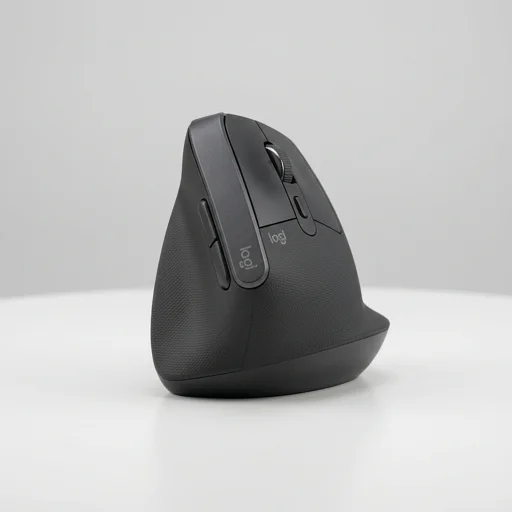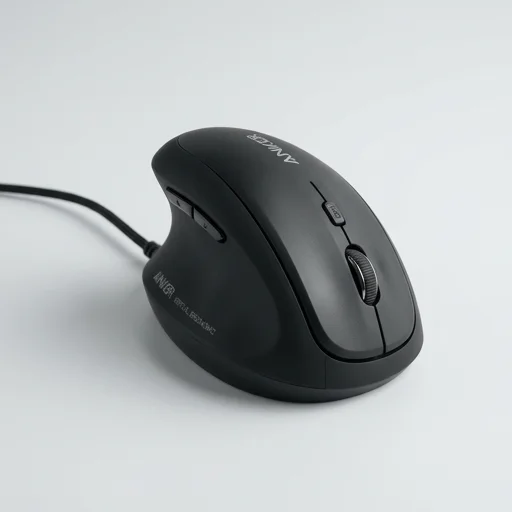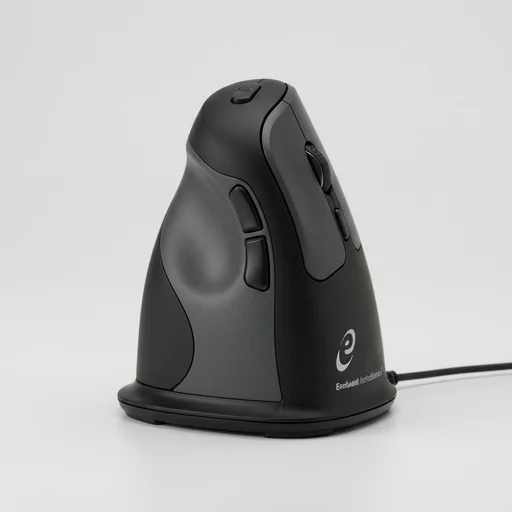
Microsoft Sculpt Ergonomic Mouse
The Microsoft Sculpt Ergonomic Mouse remains a solid choice for users seeking relief from wrist and hand strain during extended computer use.
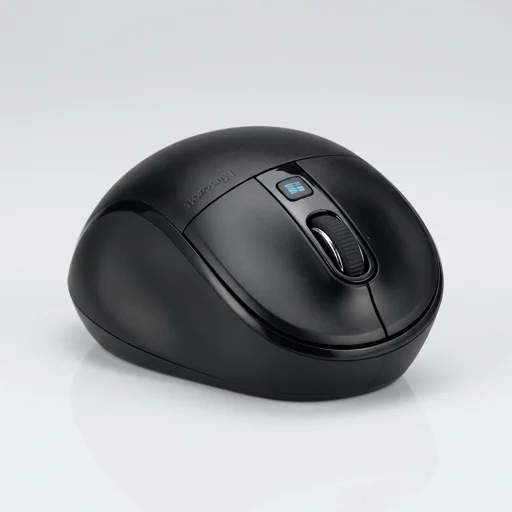
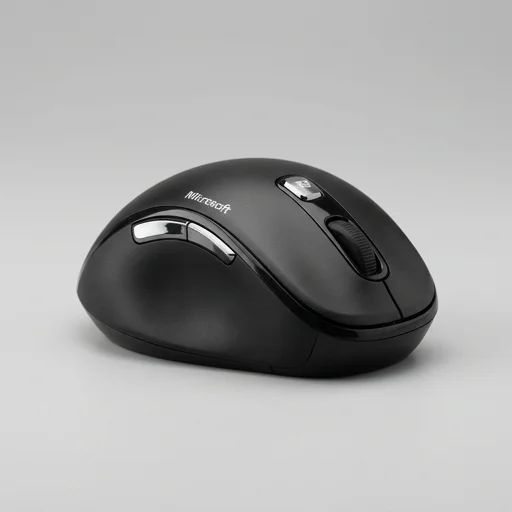
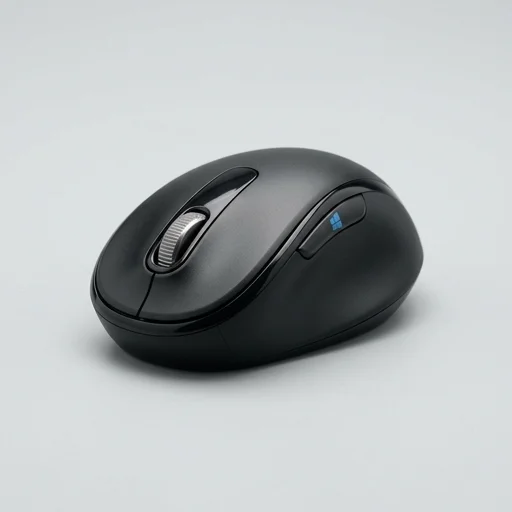
The Microsoft Sculpt Ergonomic Mouse remains a solid choice for users seeking relief from wrist and hand strain during extended computer use. Its contoured shape, thumb scoop, and BlueTrack sensor combine comfort with reliable performance, though it's best suited for right-handed users and desktop setups rather than portable use.
Specifications
Key features
- Thumb scoop with natural hand-rest design
- Windows touch tab for one-swipe Start access
- 4-way scroll wheel for tilt and vertical navigation
- BlueTrack technology for tracking on most surfaces
- Wireless 2.4GHz USB nano transceiver
- Contoured shape supporting relaxed wrist posture
👍 What we liked
- Reduces wrist pronation and strain during long use
- Comfortable thumb rest improves hand posture
- Smooth scroll wheel with tilt-click side navigation
- Reliable wireless connection with minimal lag
- Good battery life on AA batteries
- Works well on desks, wood, and fabric surfaces
👎 Watch-outs
- Not ideal for left-handed users
- No rechargeable battery option included
- Slightly bulky for small hands or travel use
- Touch tab can be accidentally triggered
- No customizable software for advanced macros
Full review
The Microsoft Sculpt Ergonomic Mouse is designed to address one of the most common complaints among desk workers: the wrist strain and forearm tension that come from hours spent gripping a conventional mouse. Its thumb scoop and angled shape encourage a more natural handshake position, allowing the wrist to rest in a neutral posture rather than twisting flat against the desk. This subtle shift in geometry reduces the pronation that builds up over long work sessions, which is often the root cause of discomfort in the wrist and lower arm. The domed body fills the palm comfortably, distributing weight across the hand instead of concentrating pressure on the fingers or wrist joint, making it a practical choice for anyone who spends the bulk of their day navigating a computer. Beyond its ergonomic shape, the mouse incorporates thoughtful functional details that support everyday productivity. The Windows button placed conveniently under the thumb allows for quick access to the Start menu without breaking hand position, while the scroll wheel is designed with a smooth, quiet action that suits both office and shared workspace environments. The mouse connects via a small USB wireless receiver, offering reliable performance without the clutter of cables, which also contributes to a cleaner desk setup that supports better overall posture. Its right-hand-specific design further reinforces the ergonomic intent, ensuring the contours align precisely with natural hand movement rather than offering a generic, one-size-fits-all shape. Built with long-term comfort in mind, the Sculpt Ergonomic Mouse suits professionals, writers, and anyone who relies on a computer for extended periods throughout the day. Its blend of ergonomic curvature, thumb support, and wireless convenience makes it a practical upgrade for those looking to reduce repetitive strain risk without sacrificing the responsiveness expected from a modern mouse. As part of the broader ergonomics and posture category, it reflects a design philosophy centered on aligning technology with the body's natural movement, rather than forcing the hand to adapt to a rigid, traditional mouse shape.
Customer reviews
After switching from a standard mouse, my wrist pain disappeared within a week. The thumb scoop is a game changer for comfort.
Very comfortable for daily office work. The touch tab sometimes activates by accident, but overall it's a huge upgrade from my old mouse.
As a right-handed user, this mouse fits my hand perfectly. My left-handed coworker couldn't use it comfortably though.
The scroll wheel tilt function and natural hand position make long work sessions much easier on my wrist and forearm.